


CR Sidekick

The Smarter Way to Self-Assess
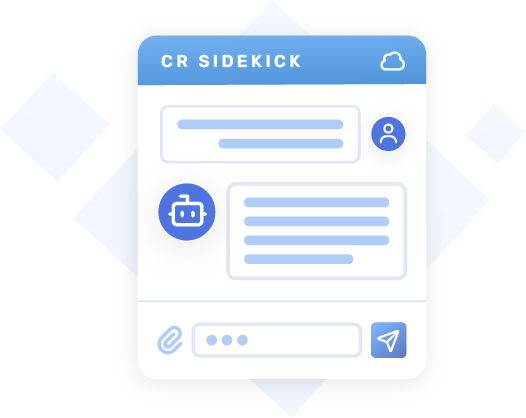
The CR Sidekick is an AI-powered companion that helps education leaders work through the Cybersecurity Rubric 2.0 with confidence. Built into Google Sheets as an easy-to-use sidebar, it transforms the often complex, manual evaluation process into a guided, interactive experience.
As you move through an assessment, the CR Sidekick uses simple, conversational prompts to better understand your school’s current practices while delivering clear, actionable recommendations to help improve your cybersecurity readiness with greater clarity.
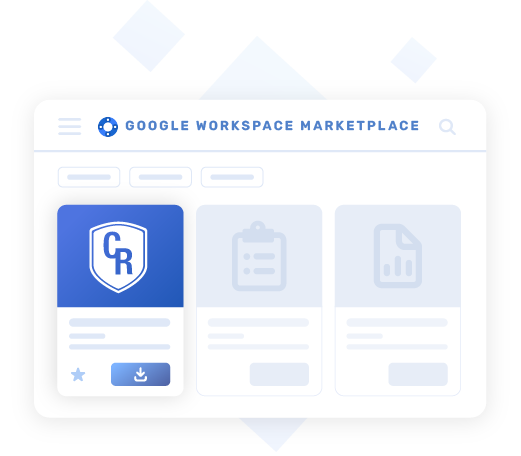
How To Start Using the Cr Sidekick


Key Features

Evidence-Based Evaluations
Use interactive checklists to document your existing cybersecurity policies, procedures, and practices.
Adaptive Guidance
Evaluate and document cybersecurity practices using CR 2.0 and NIST-aligned criteria.
Security and Privacy
Keep data secure. Chat history and progress are stored locally and never on third-party servers.
Curated Resource Library
Experience tailored guidance and references for each rubric category based on your needs.
Seamless Integration
Use directly from Google Sheets for quick access and automatically save your session progress.
Professional PDF Reports
Get summary reports that include maturity ratings, rationale, and prioritized next steps.
Start the Conversation
Not sure where to begin with your CR Sidekick? Share a little context about your school system, ask a question, or try one of the example prompts below as a starting point.
Get Oriented
- Explain the Cybersecurity Rubric in plain language and why it matters for a school system.
- How do the six functions (Govern, Identify, Protect, Detect, Respond, Recover) fit together in practice?
- If I only have five minutes with the cabinet, how would you explain this framework?
- Summarize the main goals of this rubric in 3–4 bullet points I can put on a meeting agenda.
Connect to Your Context
- We’re a mid-size school district with limited IT staff. What parts of this rubric should we pay attention to first?
- We’re a small rural school system. How would you suggest we scale this framework to our size?
- How can I use this rubric to have a productive conversation about risk with our superintendent?
- What would a realistic first-year outcome look like for a district like ours using this framework?
- We already have a technology plan. How can we map this rubric to what we’re already doing instead of starting from scratch?
- What roles or job titles typically need to be involved to implement this rubric well?
- We’re a small team. How can we share cybersecurity responsibilities across departments in a manageable way?
Clarify Terms
- Explain ‘Organizational Context’ in the Govern function with a simple example from a school system.
- What does it mean when the rubric talks about ‘maturity levels’? How should I think about those as a leader?
- What’s the difference between ‘governance’ and ‘operations’ in the rubric?
Plan Next Steps
- We’re just getting started with an assessment. What are three low-lift cybersecurity improvements we could make this semester?
- How can we use this rubric to build a one-year cybersecurity improvement plan?
- What should I ask our technology director about incident response and recovery?
- Help me outline a phased plan for the next 3 months, 6 months, and 12 months.
- We have a CCRE coming to support a formal assessment. What evidence and data should we be prepared to provide?
Policies & Support

Privacy Policy
Review how we protect your information and keep your assessment data private.

Terms of Service
Review the terms for using CR Sidekick, including eligibility, acceptable use, third-party services, and limitations.

Get Support
Questions about CR Sidekick? Get quick help, guidance, and next steps from our team.